 LapVoice
Changelog
Every release, in plain language. 1.x updates are included in your licence.
1.3.3 · 31 October 2026
A clean exit. Starting Ollama handed it the app's temporary folder as its working directory, so Windows kept that folder locked and the app warned that it could not remove it on quit. Ollama now starts in its own folder and the warning is gone.
1.3.2 · 31 October 2026
Track maps line themselves up. Bundled maps are drawn from iRacing's track artwork, and when the start/finish line in that artwork is off, every car appeared rotated or mirrored against the sim's lap distance. The app now measures the error from your first lap of GPS and saves the corrected map, so it only happens once per track.
Ollama starts with the app. If the Ollama server isn't running when Pro launches, the app starts it and loads the model straight away. The first tip is no longer slow, and you no longer have to open Ollama by hand first.
1.3.1 · 31 October 2026
Activation wording. The Activation page no longer says the code starts with IRP1-. That prefix belonged to the offline codes; codes bought from the store look different, and the hint only confused people.
1.3.0 · 30 October 2026
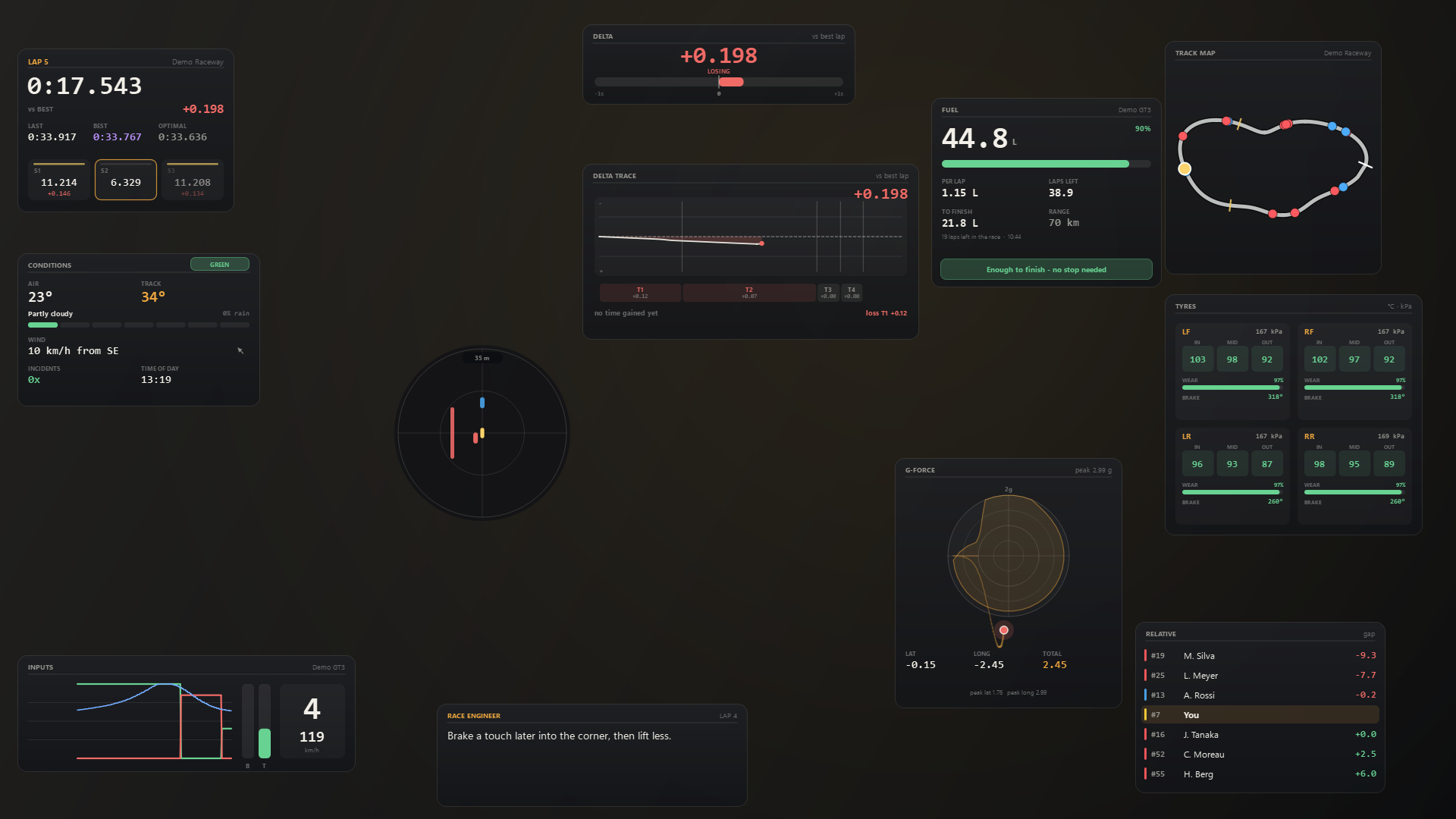
Two new overlays.
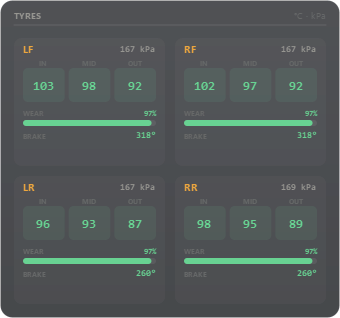
- Tyres: inner, middle and outer temperatures, pressure, tread wear and brake temperature for every wheel, coloured cold, optimal and hot.
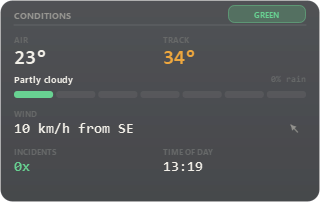
- Conditions: air and track temperature, sky, wetness, rain, wind speed and direction, the current flag, incidents and time of day.
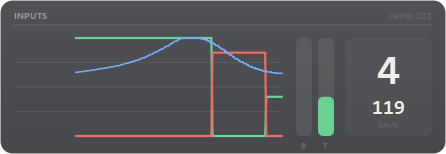
Faster under load. Every overlay now shares one 30 Hz render clock instead of running its own timer, so adding overlays no longer multiplies timer wake-ups. Inputs and G-force keep collecting history while hidden, so their trails are there when you show them.
Fixes. The one-file build is back to a single executable, and Quit now closes every overlay and ends the process instead of leaving it in Task Manager.